Forms
We have learned a good bit about how to display text and images on a web page. Now we want to learn how a web page can take input. How does a web page accept input from the user? This is the role of the <form> </form> element. The <form> element in HTML is used to collect user input and submit that data to a server or handler for processing.
Perhaps the most popular form input ... the Google search bar is a form input element:
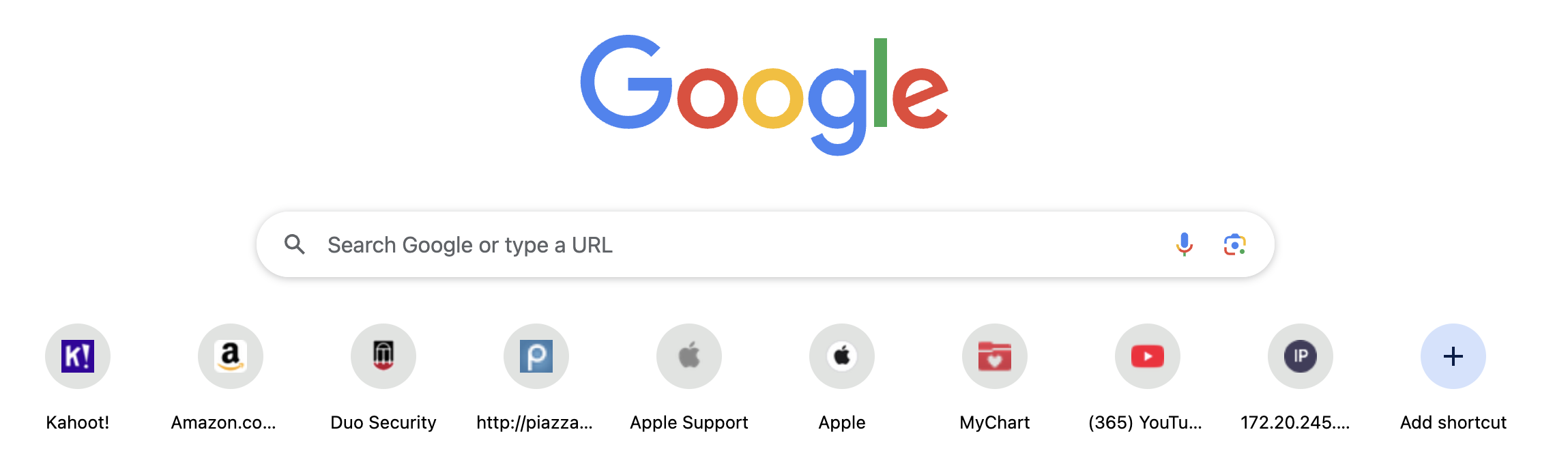
- Forms allow users to enter information and or make selections.
- The input is usually sent to a server for processing or used on the client-side to immediately update the interface in some way
- The
<form>element creates an HTML form.
<form>
…
</form>
Input Elements
The <form> element is a container for different types of input elements, such as:
- text fields,
- checkboxes,
- radio buttons,
- submit buttons, etc.
The <input> element is the most used form element and can be displayed in many ways, specified by the type attribute.
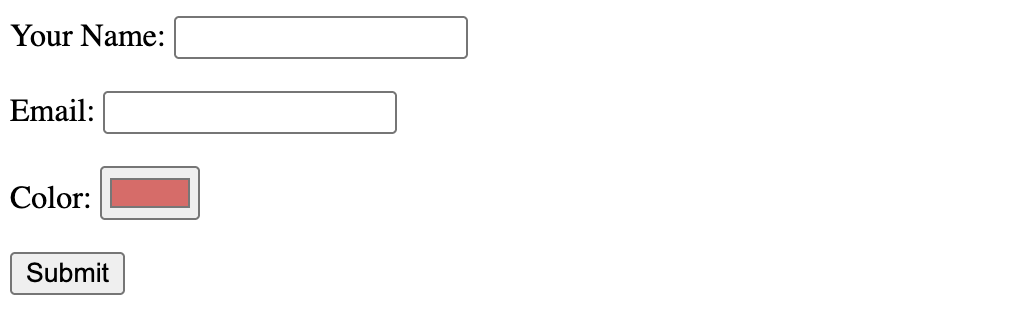
Here are a few popular input elements:
 <form action="https://formsubmit.co/your@email.com" method="POST">
   <p>
      <label>Your Name:</label>
      <input type=”text” name=”YourName”>
   </p>
   <p>
      <label>Email:</label>
      <input type=”email” name="YourEmail" value="">
   </p>
   <p>
     <label>Color:</label>
     <input type="color" id="head" name="head". value="#e66465">
   </p>
     <button type="submit"> Submit </button>
 </form>
View complete info on the HTML <form> element. MDN Form Documentation
Checkout available input elements on MDN Docs: Input
Form Attributes
Attributes control what happens on form submission:
- The
methodattribute specifies which HTTP method should be used:- post: form data is sent as the request body
- get: form data is appended to the action URL with a ? separator.
- The
actionattribute specifies the URL WHERE the form data should be sent.
Checkout available attributes on [MDN Docs: Attributes] (https://developer.mozilla.org/en-US/docs/Web/HTML/Reference/Elements/input#attributes)
We can structure a form in html but the behavior of the form will come later with javascript.
    <form action="https://formsubmit.co/your@email.com" method="POST">
      <label htmlFor="email">Email:</label><br />
      <input type="email" id="email" name="email" required /><br /><br />

      <label htmlFor="password">Password:</label><br />
      <input type="password" id="password" name="password" required /><br /><br />

      <button type="submit">Login</button>
    </form>
Email form results
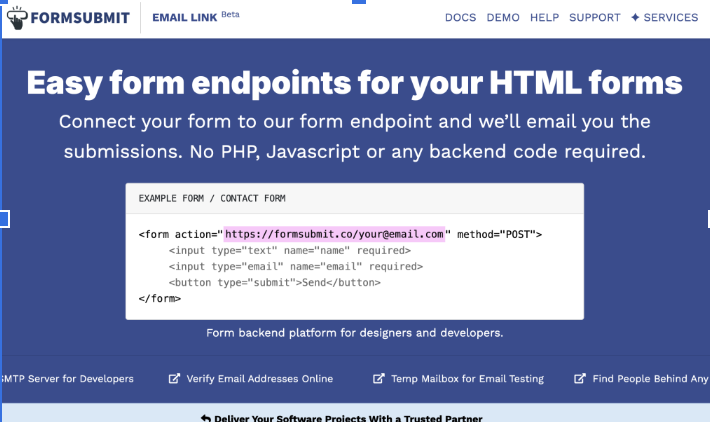
We can email the form results by setting the form action to mailto: action. However this exposes your email to threats and relies on a default email client to send the email.
A better option to email form results is to use a third party endpoint for email handling.
One such option is: Formsubmit