Characters and Emojis
Character entities
Character entities 🤓 are special characters for symbols ⏰ for which there is either no easy way to type them via a keyboard or which have a reserved meaning in HTML. For example, the < or > symbols have special meaning in HTML; if you want to include them in the text, you can use < and >. Also, since browsers reduce multiple spaces into one space, you can use multiple entities to get multiple spaces.
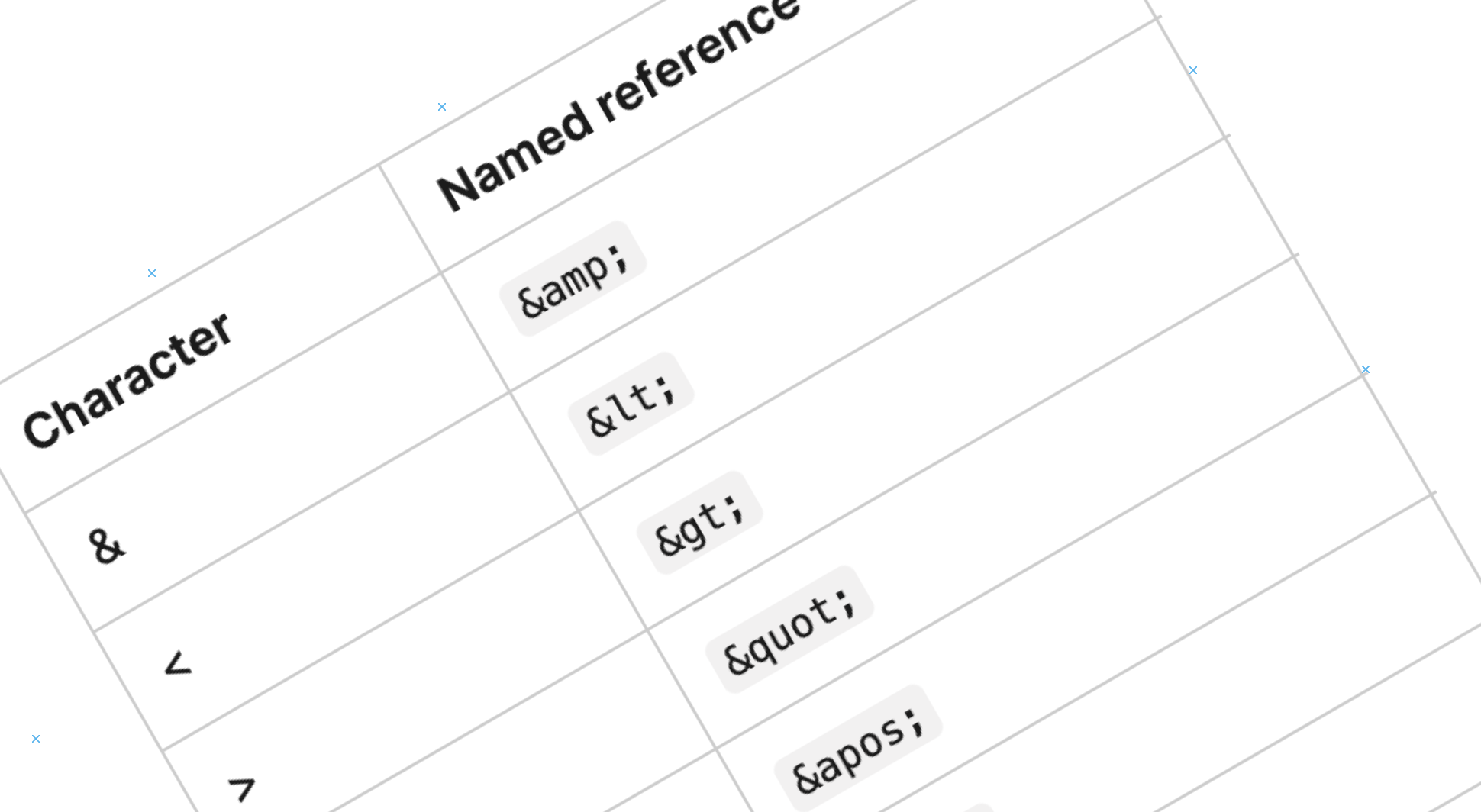
- Start with an ampersand and end with a semicolon
- View the list of character references.
Emojies
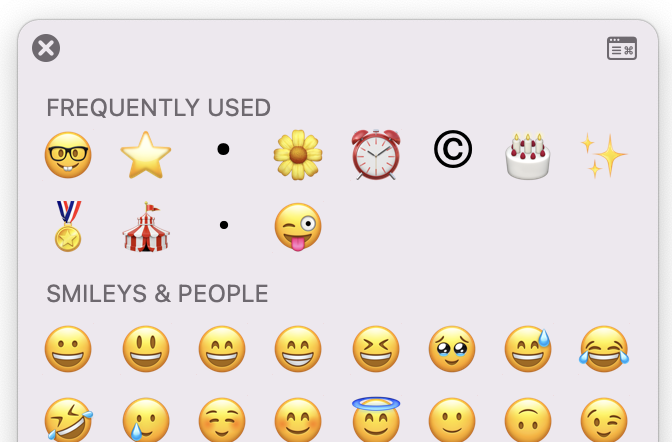
To include emoji's:
- Mac: Command + Control + Space
- Windows: Right-click on the taskbar and select show touch keyboard button. This adds a keyboard icon to the system tray. Open the touch keyboard and click the emoji button.
Icons
free icons
Font Awesome , flaticons and other sites contain free sets of scalable vector icons.
To use a Font Awesome icon:
Link Font Awesome's CDN in the <head> </head> section of your HTML file:

Example Font Awesome Icons
<head>
	<link rel="stylesheet"  href="https://cdnjs.cloudflare.com/ajax/libs/font-awesome/6.0.0-beta3/css/all.min.css">
</head>
Add the icon in the <body> </body> of your HTML:
<i class="fab fa-linkedin"></i>