Installation
To create a React app, we will install the recommended framework - Next.js.
React recommends using a framework to create full-stack applications. Next.js is a React Framework that takes advantage of React's architecture to create a full-stack production-ready React application.
Next.js Framework
Next.js adds to React:
- routing - with App Router
- server-side rendering (SSR)
- API routes
- Server components
- built-in performance optimizations
Installing with create-next-app installs all the tools for building a modern React application,
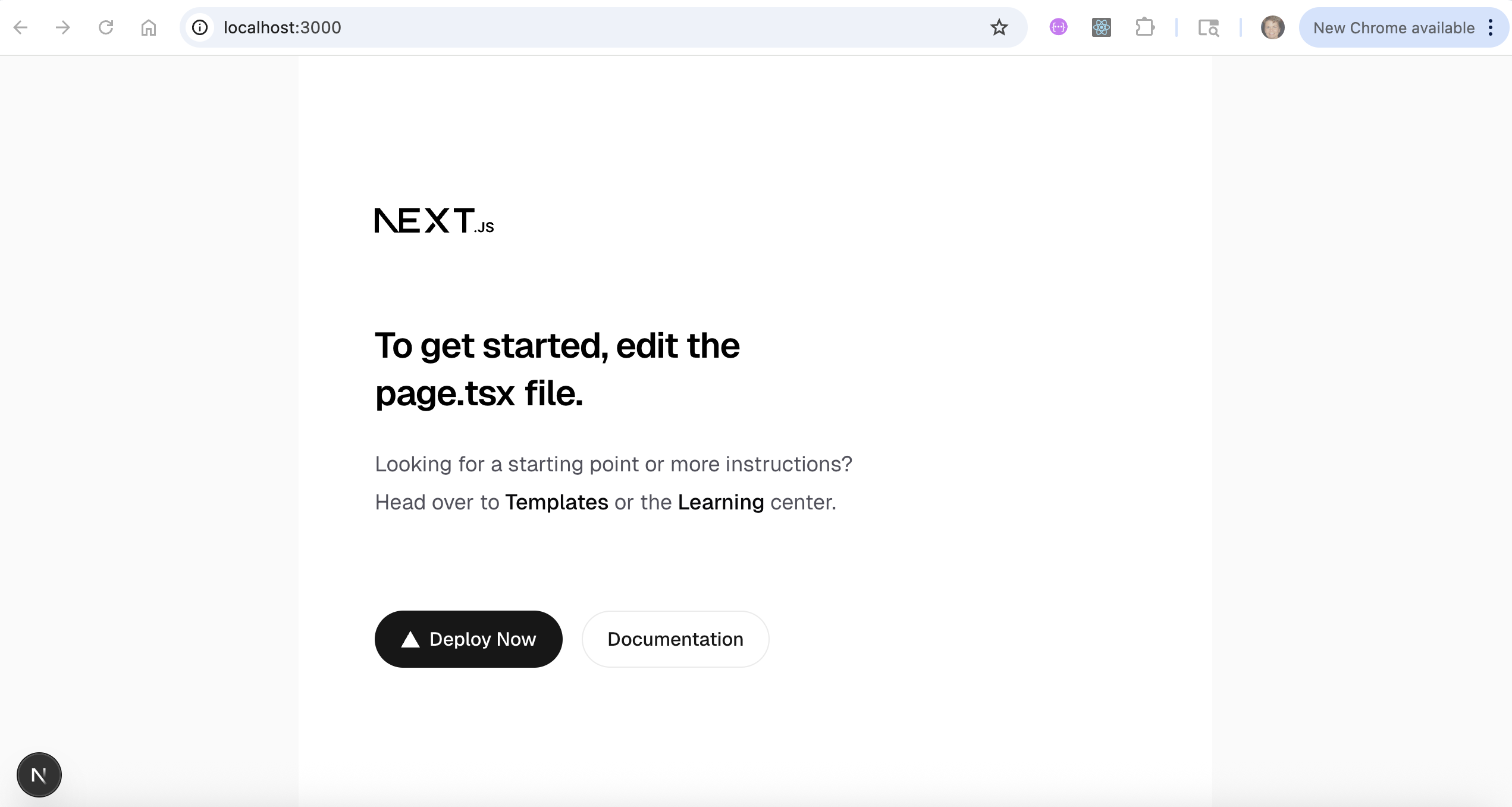
including a local development server http://localhost:3000 for testing your application.
The installation includes:
- react libraries, react and react-dom
- next framework
- Tailwind CSS
- app router
- typescript
- a project directory - you name this in the first installation prompt
- folders:
- public/, for static assets like images
- src/app/, for development files
- configuration files:
- package.json,
- package-lock.json
- next.config.js
- tsconfig.json
- .eslintrc.config.mjs
- app/layout.tsx, the application root layout file -- required!
- app/page.tsx, the home page. This comes with initial content that you can replace.
In a terminal window, navigate to a location where you want your React application and follow these installation steps:
npx create-next-app@latest

  ✔ What is your project named? … dollys-react-project
  ✔ Would you like to use the recommended Next.js defaults?
  > Yes, use recommended defaults - TypeScript, ESLint, Tailwind CSS, App Router
  (Return to submit)

  Creating a new Next.js app in /Users/diane/…./dollys-react-project.

  Using npm.

% cd dollys-react-project

% npm run dev

  > starter-react-project@0.1.0 dev
  > next dev

     ▲ Next.js 16.1.6
    - Local:        http://localhost:3000
    - Network:      http://10.0.0.8:3000

  ✓ Starting...
  ✓ Ready in 1196ms
cmd + click on http://localhost:3000 or paste it in a browser to run the local development server.