What is JavaScript
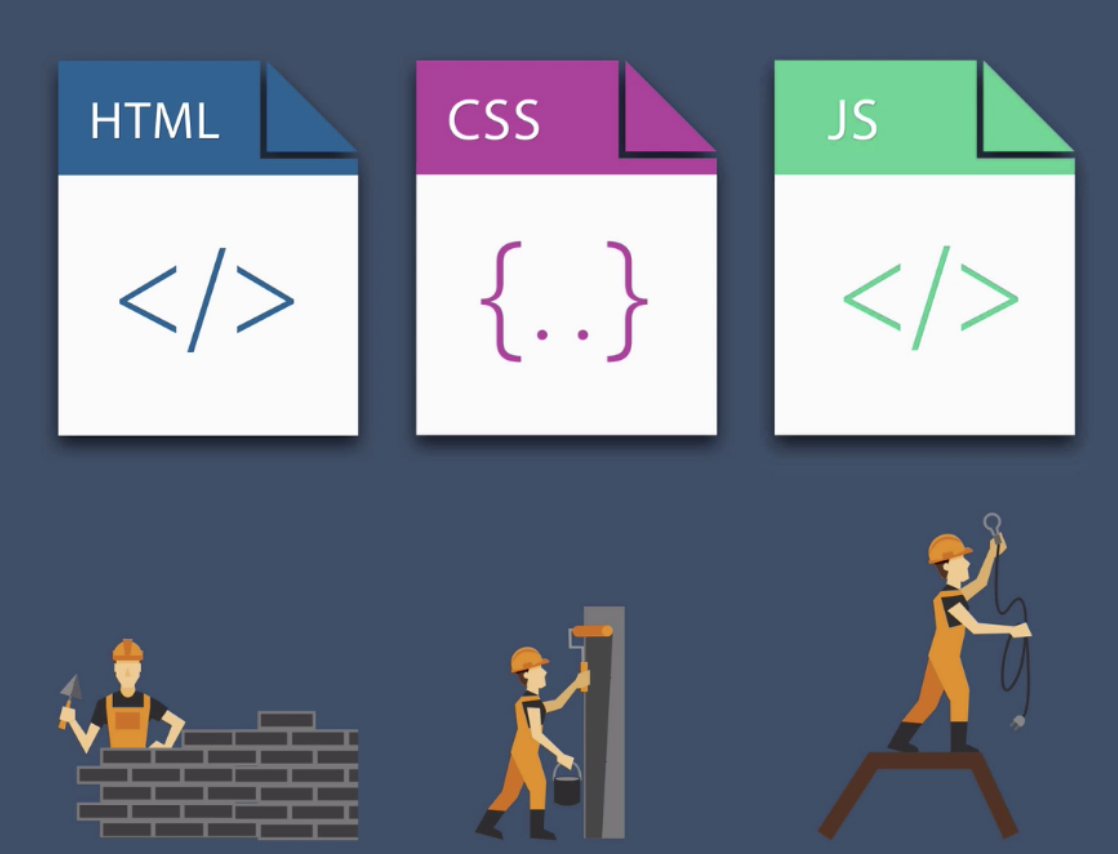
JavaScript began as a client-side scripting language that ran in browsers to make sites interactive. With the release of Node.js in 2009, JavaScript ran on servers and full-stack JavaScript development gained traction. Modern JavaScript includes working with databases, building user interfaces, and writing server-side code.
JavaScript:
- adds interactivity and functionality to websites, making them more dynamic, responsive
- is the dominant programming language of the web, creating dynamic, interactive web pages.
- is the most common programming language in use today
- is a high-level, interpreted programming language
- is used both on the client side in browsers and on the server-side with Node.js
JavaScript:
- interacts with the Document Object Model (DOM), which is the structure representing the HTML of a web page
- handles asynchronous tasks, such as making API requests (AJAX), without blocking other operations
JavaScript is NOT Java but it is object-oriented.
JavaScript Engine
A JavaScript engine translates and executes JavaScript code. Every major browser has a JavaScript engine that executes JavaScript code. JavaScript engines are also in server-side environments such as node.js.
JavaScript engines are interpreters that parse and execute JavaScript code. Modern JavaScript engines use just-in-time (JIT) compilation to convert JavaScript code into executable machine code. There is no compiler that checks the syntax of your program and tells you where the syntax errors are.
The JavaScript engine includes:
-
a memory heap for storing objects and variables,
-
a call stack for managing function execution,
-
a garbage collector to automatically reclaim memory from unused objects.
-
supports an object-oriented programming style, where types may include methods that operate on its values. For example:
a.sort(); // object-oriented version of sort(a).
Browser execution
JavaScript to run in a browser can go:
- inline or embedded in HTML within
<script></script>elements - in an external file that is linked to an html file in
<script></script>tags - with the defer keyword, you can keep your JavaScript link in the head section of the html page yet the loading will be deferred until after the page is loaded
<script src="path/to/script1.js" defer></script>
Node.js execution
With node.js installed, download nodejs:
- Enter JavaScript code in a file with .js extension
- Open a terminal window and type
nodeto execute JavaScript code:
$ node myjscode.js
Output methods
alert()
Displays content within a browser-controlled pop-up/modal window.
prompt()
Displays a message and an input field within a modal window.
confirm()
Displays a question in a modal window with ok and cancel buttons.
document.write()
Outputs the content (as markup) directly to the HTML document.
console.log()
Displays content in the browser’s JavaScript console.
alert() and prompt() examples
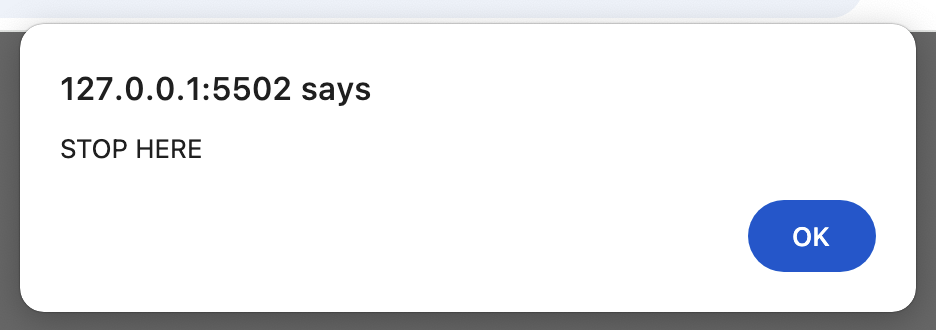
Some output methods are run in browsers. Adding the alert() to the JavaScript code associated linked to an html page viewed in a browser:
alert("STOP HERE");
Viewed in a browser:
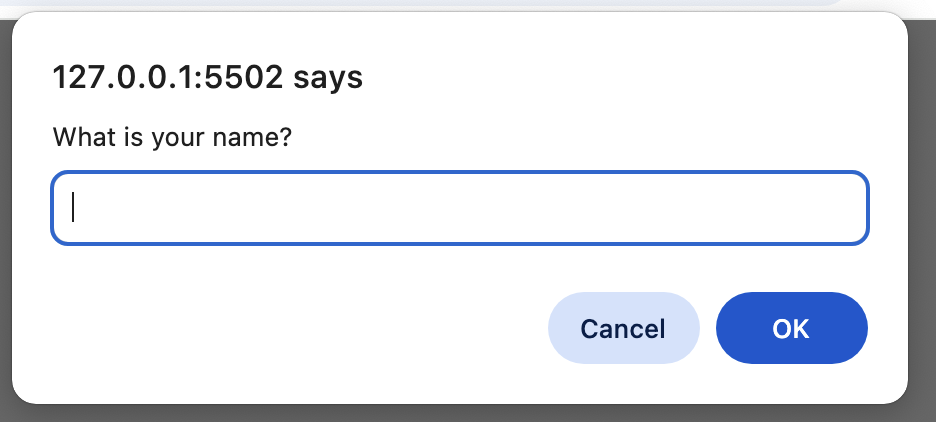
And prompt() requires a user response.
DOM write example
However, to dynamically add content to a webpage, I write it to the DOM (Document Object Model) with document.write() as in:
document.write("Hi! Bob.");
which yields the content in the browser window:

node example
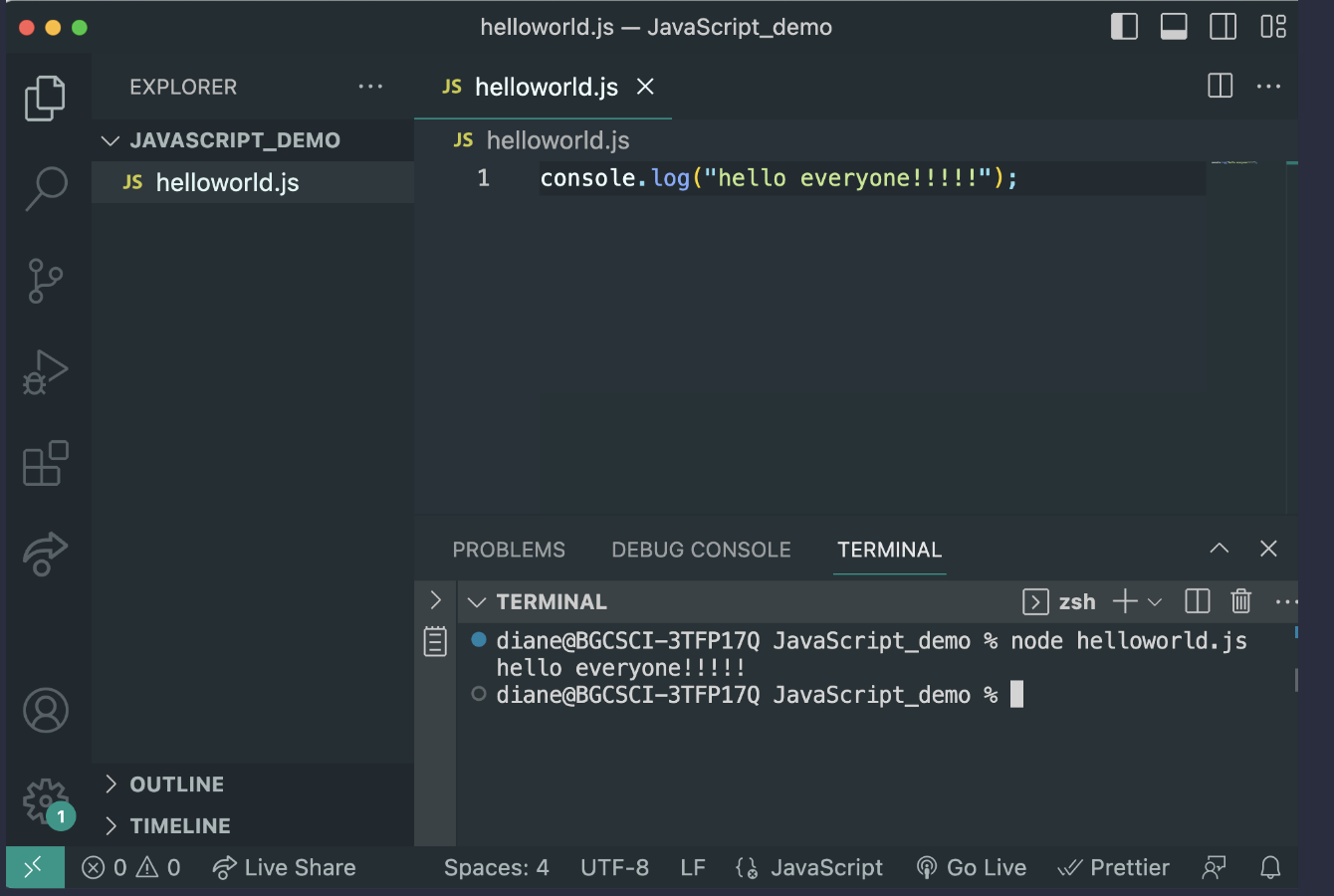
JavaScript files can also be run outside a browser, with Node.js:
VS Code environment
Use VSCode to create and edit JavaScript code, and run in node in the terminal window with node myjscode.js.
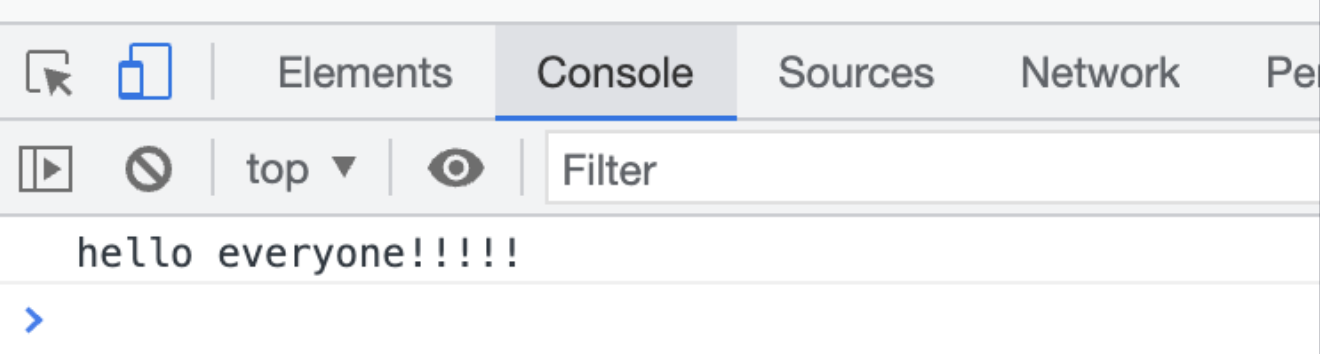
console browser example
To view in a web browser,
create a html file and enter JavaScript code in <script> </script> tags:
<script src="demo.js"></script>
Load demo.html in the browser and open developer tools to view output to the console.
Where does <script> go?
JavaScript to interact with an html page is linked in the html file with <script> </script> tags. However, including the <script> </script> tags in the <head> can cause problems because the browser reads and interprets the
JavaScript before it reads the html elements. To ensure correct order the <script> </script> tags can be placed:
- at the end of the file, just before the
</body>. This allows the rest of the page to load before loading the JavaScript files. - included in the
<head>section but with the keyworddefer. Setting defer forces the JavaScript to be evaluated after page has finished parsing - useful for scripts that depend on the page content.
<script src="demo.js" defer></script>
Semicolons when?
Semicolons are optional. JavaScript uses semicolons ( ;) to separate statements. Semicolons are not required when:
- statements are on separate lines
- before a closing brace or end of program
When in doubt, put a semicolon. However, a missing semicolon is not a syntax error in cases where the parser can determine the intent.